preview


How to use the tool
Easy to use. Help if you need it.
Most people figure it out on their own. These short guides cover the bits that trip people up.
Step 1
How to add images in Yoto Labels
Three ways to get cover art onto your sheet: add from your device, import from Yoto, or pick a free template.
Step 2
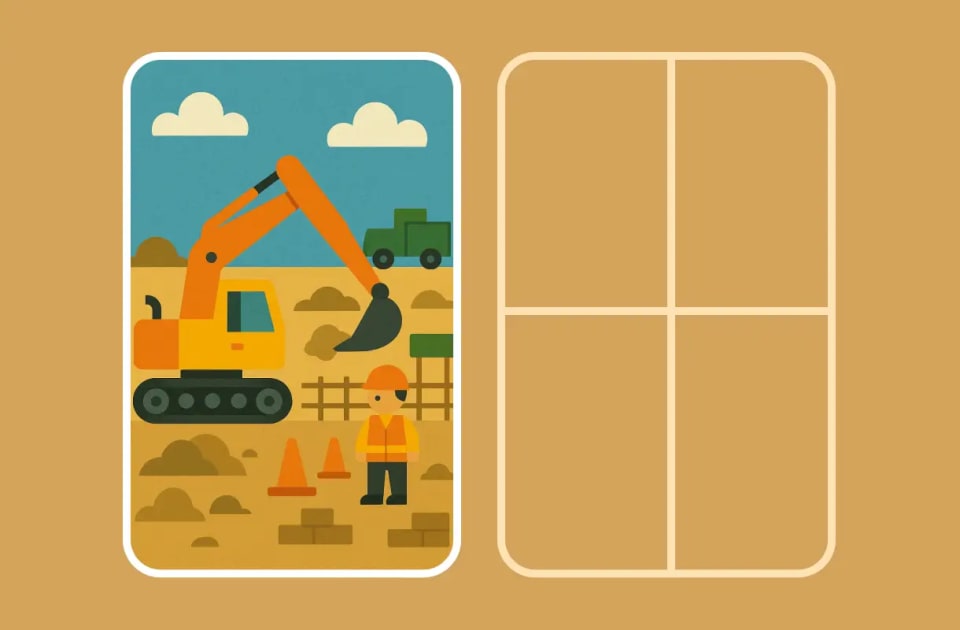
Choosing a label layout
Pick between single labels, split designs, and grid layouts when arranging your Yoto MYO cards.

Step 3
How to crop and edit images
Find the crop tool, fit artwork to Yoto card shape, and handle square covers before you print.

Step 4
Corners, sizing, and slots
Switch corner style, adjust sizing, and copy images across slots so your whole sheet stays consistent.

Step 5
How to export your labels
Use the recommended export setup, or change file format, full bleed, and cut guides before you generate.
Step 6
Label and paper size
How to set label size and paper size in Yoto Labels, including custom sizes and common print formats.
Help us make it better
Something not working? Got an idea for a feature? We built this for our Saturday routine and keep improving it based on what parents tell us.

Frequently Asked Questions
Your images stay completely private! Everything happens on your computer or phone - we never see your photos, and your images never leave your device. Your picture goes in, gets sized perfectly, and a PDF comes out, all without anyone else ever seeing it. Your family photos, drawings, and favorite pictures stay yours and yours alone!
Yes, completely free with no limits! Add images, design, and download as many labels as you want - no credit card required. Simply download your PDF and print at home whenever you're ready. Perfect for organizing large Yoto card collections or creating themed sets.
Absolutely! Add any image you want - family photos, drawings, book covers, or images you find online. Our tool will automatically resize and crop it to fit perfectly on a Yoto card. You can also browse our template library for inspiration. Note: For personal use at home, you can use any images, but be mindful of trademarked characters (like Bluey, Disney characters, etc.) if you plan to share or sell your designs.
Yoto cards are exactly 54mm × 85.6mm (2.12" × 3.37"). Our tool automatically sizes your images to fit perfectly, so you don't have to worry about measurements. This is similar to standard business card size, making it easy to find compatible label sheets.
After downloading your PDF, print it using any inkjet or laser printer. Set your printer to 'actual size' or '100%' scale. For best results, use photo-quality settings. Then simply peel and stick onto your Yoto cards.
Yes! We offer a template library with pre-designed themes you can use, and you can add any image for a custom design. All presets are sized for Yoto cards (54mm × 85.6mm) and ready to print. We made the presets with the help of AI, as a starting point when you don't have your own artwork ready.